Exxat Prism for Loyola New Orleans nursing students
Exxat Prism is the system Loyola University New Orleans uses for clinical placement and compliance: your documents, your placement request, your site's agreement and your practicum hours all live there. You buy two subscriptions to use it and sign in with your Loyola login. This guide walks through each part of Prism in the order you will meet it.
Let us prepare your Exxat file
Tell us your program and the course your next placement is for.
What Prism does for a Loyola placement
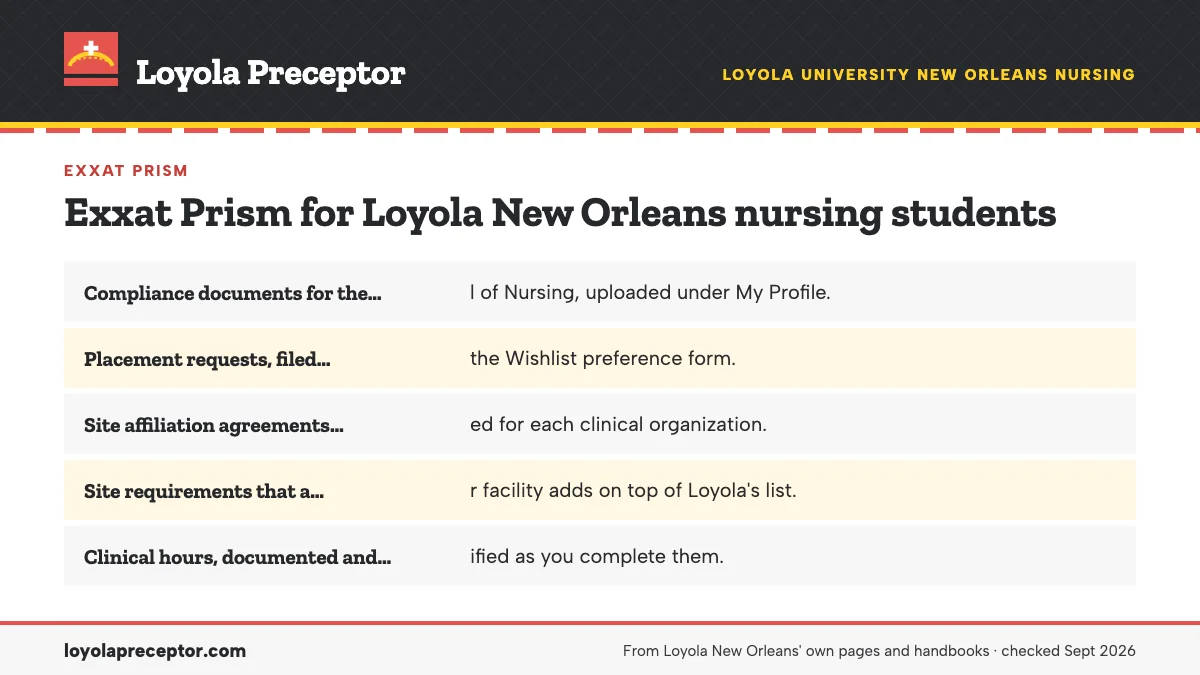
Loyola's FNP Orientation and Practicum Guide describes Exxat Prism as the home for five kinds of records. Knowing them helps you find your way around the dashboard the first time you open it.
- Compliance documents for the School of Nursing, uploaded under My Profile.
- Placement requests, filed through the Wishlist preference form.
- Site affiliation agreements, tracked for each clinical organization.
- Site requirements that a particular facility adds on top of Loyola's list.
- Clinical hours, documented and verified as you complete them.
You reach Prism through Loyola's single sign-on, the same login that opens Canvas and LORA, and the Nursing Student Handbook notes that sign-on uses Microsoft Authenticator. The student systems overview shows how Prism fits beside those two.
The two subscriptions
Loyola students buy two Exxat subscriptions, and each opens a different half of the system. The first is an annual access subscription for required documents, the compliance side. The second, STEPS access, pays for practicum placement processing, the side that carries your Wishlist request through review.
Loyola's FNP guide lists both and is the place to check their current terms. Plan for them as a program cost next to the background check, drug screens and any fee a site charges; our placement costs page explains who pays for each item. Buy them early. Nothing moves in Prism until your account is active, and Loyola expects the placement process as a whole to take about three months. Keep the purchase confirmations with your program records.
Required Documents and the APPROVE team
Compliance items live in Required Documents, reached from My Profile. Exxat's APPROVE team reviews each upload, so an item is finished only when it shows as approved, not when the file lands. Loyola's list covers the physical exam attestation, BLS, health insurance, immunizations and TB screening, and your signed FERPA release is stored there as well.
The background check and drug screen take a separate route. According to the bulletin, an outside company under contract with the School of Nursing sends each student an invitation to order both. Every item, and the two deadlines Loyola publishes for them, are on compliance requirements.
A lapsed item can block registration: Loyola places a compliance hold on students who are not current, and the hold appears on the LORA Holds tab.
The placement side: from site search to Placement Approved
On the placement side of Prism, which the STEPS subscription pays to process, two tools matter most. Explore Clinical Locations maps the organizations already under agreement with Loyola and gives basic contact details for each; the FNP guide calls it the Map of Affiliation. The Wishlist, opened from the Dashboard under Submit Preferences, is where you file the site, signer and preceptor details together with the preceptor's documents.
Each piece of a request can be approved on its own, and that is where students get caught. Clinical hours wait for the Placement Approved status on the request as a whole. The fields, uploads and review stages are laid out in the Wishlist guide, and search tactics for the map are on Explore Clinical Locations.
Logging hours and cases
Once a placement is approved, Prism becomes your time record. Loyola uses Exxat to document and verify practicum hours, and your preceptor signs the practicum log regularly under the Preceptor Agreement. Enter time as you go rather than rebuilding weeks from memory at the end of the term.
Acute care students carry the heaviest logging load. Under the AGACNP Practicum Guide, time and cases go into Prism before the student leaves the site, coded with ICD-10 and CPT for each visit and procedure, and signed time sheets and clinical logs approved by faculty follow. The guide also ties any invasive procedure to the preceptor of record, the one with a signed agreement stored in Prism. Course-by-course detail sits on AGACNP practicums.
Evaluations that run through Prism
Prism carries evaluations as well as hours. In the AGACNP track, Prism emails the preceptor an evaluation form twice: at the halfway point and when two weeks of term remain. Reaching midterm with less than half the hours done triggers an action plan, and an Incomplete grade covers any hours outstanding at term's end, so keep an eye on your running total well before the midpoint.
Across tracks, the Preceptor Agreement asks preceptors to speak with Loyola faculty at the start and the end of the practicum and to submit the Practicum Evaluation Form when it finishes. Busy clinicians receive many emails, so a short note a week before each evaluation window helps yours respond on time and keeps your course record complete.
Help when Prism gets confusing
- The School of Nursing resources page links videos on submitting compliance documents and completing learning activities in Exxat Prism.
- Loyola posts a Wishlist request guide and an Explore Clinical Locations guide on the same page.
- AGACNP students find an Exxat how-to video inside the AGACNP Practicum I course in Canvas.
- The Clinical Practicum Coordinator is Loyola's technical advisor for Exxat and Prism and can help with uploads.
- Loyola's IT Help Desk handles single sign-on and account access problems.
Match the problem to the helper. A login that fails before Prism opens is an IT question; an upload that fails inside Prism, or a request that seems stuck, goes to the coordinator. When you write for help, include your course number and a screenshot of the screen giving trouble.
Why Loyola students choose us for the Exxat side
Prism is where good placements stall on small gaps: an unsigned form, a missing signer, a license upload in the wrong format. Along with finding a preceptor who fits your Loyola course, we prepare the placement side of the file for you. We gather the agency facts, the name of the authorized signer and every preceptor document Loyola lists, so your Wishlist goes in complete.
We also track your compliance expiration dates against your practicum dates and find out early if the site is already under a Loyola agreement. Loyola's placement office and faculty decide every placement, and we make sure the Exxat file in front of them is whole and matches what Loyola requires. Use the form below to start.
Questions Loyola students ask
How do I log in to Exxat Prism at Loyola?
Through Loyola's single sign-on, the same login you use for Canvas and LORA. The Nursing Student Handbook notes that the sign-on uses Microsoft Authenticator. If the login itself fails, Loyola's IT Help Desk handles access; if the trouble starts inside Prism, such as an upload, the Clinical Practicum Coordinator is the technical advisor.
What is Exxat STEPS?
STEPS is the Exxat subscription Loyola students buy for practicum placement processing. It is separate from the annual access subscription that covers required documents. STEPS carries your Wishlist request, with the site, signer and preceptor details, through Loyola's review toward Placement Approved.
Who reviews the documents I upload to Exxat?
Exxat's APPROVE team reviews the compliance items in Required Documents. The Clinical Practicum Coordinator tracks your overall compliance with facility requirements, and your course faculty approve clinical logs. An upload counts only after approval, so check each item's status rather than assuming it went through.
How much do the Exxat subscriptions cost?
Loyola's FNP Orientation and Practicum Guide lists the two subscriptions, access for required documents and STEPS for placement processing, and it is the place to check current terms. Both are the student's cost, like the background check, drug screens and any fees a site charges. Our placement costs page explains what each item covers.
Why can't I register for my practicum course?
One Loyola reason is a compliance hold. Loyola's FNP guide explains that lapsed requirements keep a student from being registered for the practicum. Check the LORA Holds tab to see what is blocking you, fix the item in Exxat's Required Documents, and wait for the APPROVE team to accept it.
Related pages
Last checked 2026-09-25
We check these pages against Loyola's own bulletin, program pages, practicum guides, forms and licensure disclosures. Your plan of study, your practicum guide, your program director and the Clinical Practicum Coordinator have the final word.
Loyola asks you to select your own preceptor and site. We make that the easy part.
Tell us your Loyola program, where you live and which term your next practicum starts. We find preceptors whose patients fit the course, check whether the site already has a Loyola affiliation agreement, and prepare everything your Exxat Wishlist needs.
- Preceptors matched to the course: outpatient primary care for
NURS G823, pediatrics and obstetrics forNURS G829, acute care forNURS G902, psychiatric care forNURS G856 - Preceptor CV, license and Nursys PDF, the Preceptor Agreement and the site's signer details ready for the Wishlist
- In your own community, in Louisiana or any state where Loyola approves your practicum
Start your placement plan
Program, city and term is all we need to begin.